
Grocery shopping often feels like a chore.
When you try to hit your macros, feed your family, and avoid wasting food, the list-making process suddenly becomes overwhelming. But it doesn’t have to be. With the right system (and the right tools), you can build a smart, balanced grocery list in under 10 minutes, without reinventing your meal plan every week.
Why You Need a Game Plan Before You Shop
Walking into the grocery store without a plan is a fast track to buying things you don’t need and forgetting the ones you do. That’s when we grab random snacks, forget protein, or buy enough produce for a small army. A solid list helps you:
- Hit your protein goals consistently
- Keep meals balanced and budget-friendly
- Reduce food waste and last-minute takeout
- Save time, both in the store and throughout the week
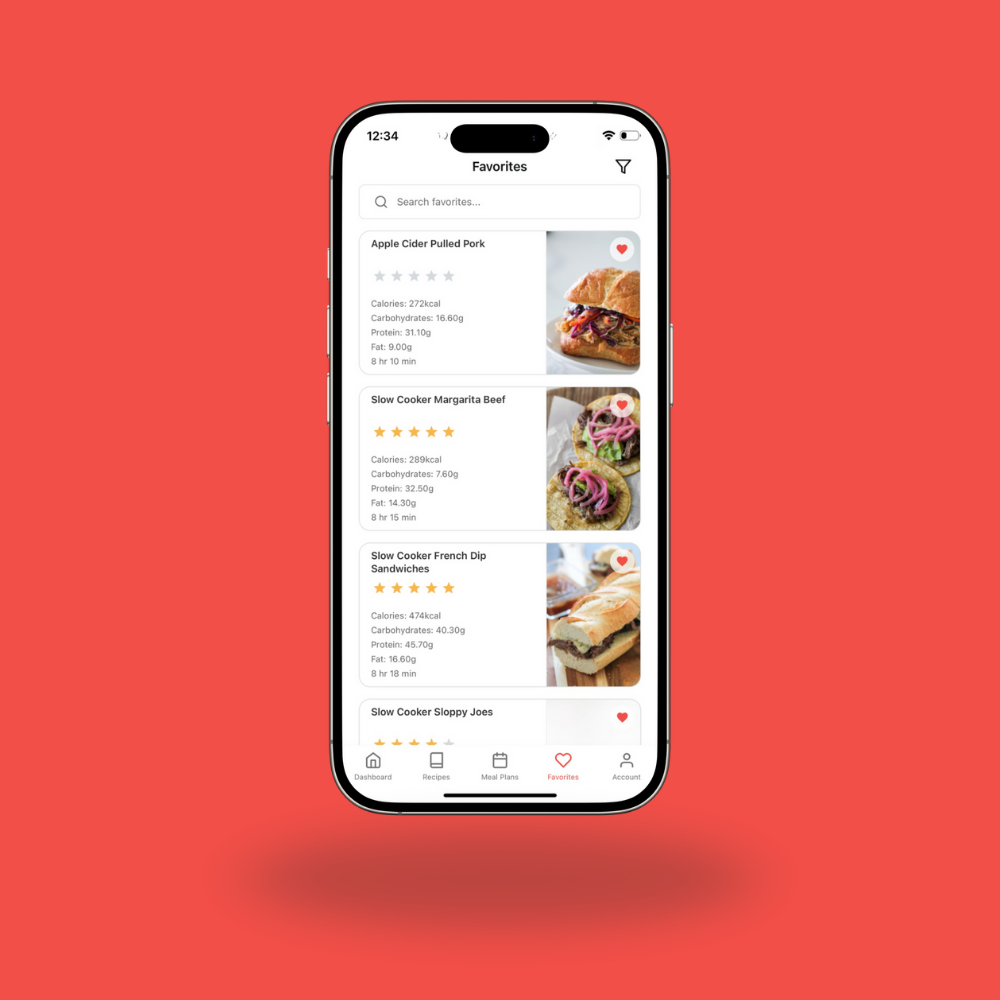
The Secret Weapon: The MFF Meal Planning App
Here’s how to use the MFF App to take the stress out of grocery shopping and build a list that supports your goals.
Step 1: Pick Your Meals for the Week
Open the app and browse through your saved recipes or explore new ones based on what you’re craving or what your week looks like. Need fast dinners? Choose 30-minute recipes. Feeding picky eaters? Filter by ingredients your kids love. Once you’ve picked 4–5 meals (plus a few breakfast and lunch ideas), you’re ready for the next step.
Step 2: Add Meals to Your Planner
Use the easy “add to meal plan” button to add each recipe to your weekly calendar. This gives you a full view of what’s ahead and ensures you’re not repeating meals or protein sources too often.
Step 3: Auto-Generate Your Grocery List
The app instantly builds a master grocery list for you! It includes digital checkboxes so you can take it to the grocery store or tick off items while ordering online. No more flipping back and forth between recipes or handwriting lists on sticky notes.
Step 4: Customize Based on What You Already Have
Scroll through your list and check anything you already have on hand, like spices, condiments, or pantry staples. Even add additional groceries that aren’t part of your meal plan to your list to keep your shopping streamlined. This keeps your list lean and your spending focused.
Step 5: Shop With Confidence
Now that you have a clean, organized list, you can go to the store with confidence or send it directly to your favorite grocery delivery service. Either way, you’re stocked up with everything you need to eat well all week.
Tips to Save Even More Time
- Save your favorite meal plans. You can reuse them again and again with a single tap.
- Batch your meals. Choose recipes with overlapping ingredients (like shredded chicken or ground turkey) to simplify your list and make it more budget friendly.
You Don’t Need to Meal Prep to Be Prepared
Even if you don’t cook everything in advance, just having the right ingredients on hand makes it so much easier to stay on track, especially when life gets busy.
And the best part? You don’t have to do it all from scratch each week. The MFF App makes it simple to create, save, and reuse the grocery lists that work best for your family and your goals.
Ready to try it yourself? The app is waiting for you—with over 1,000 macro-friendly recipes and grocery list tools that make healthy eating feel easier than ever.
Leave a Reply
You must be logged in to post a comment.